
How do I use results from one search as a filter in another? (a/k/a sub-searching)
We’ll walk through creating a sub-search in the new Custom Search engine.
Creating a Subsearch
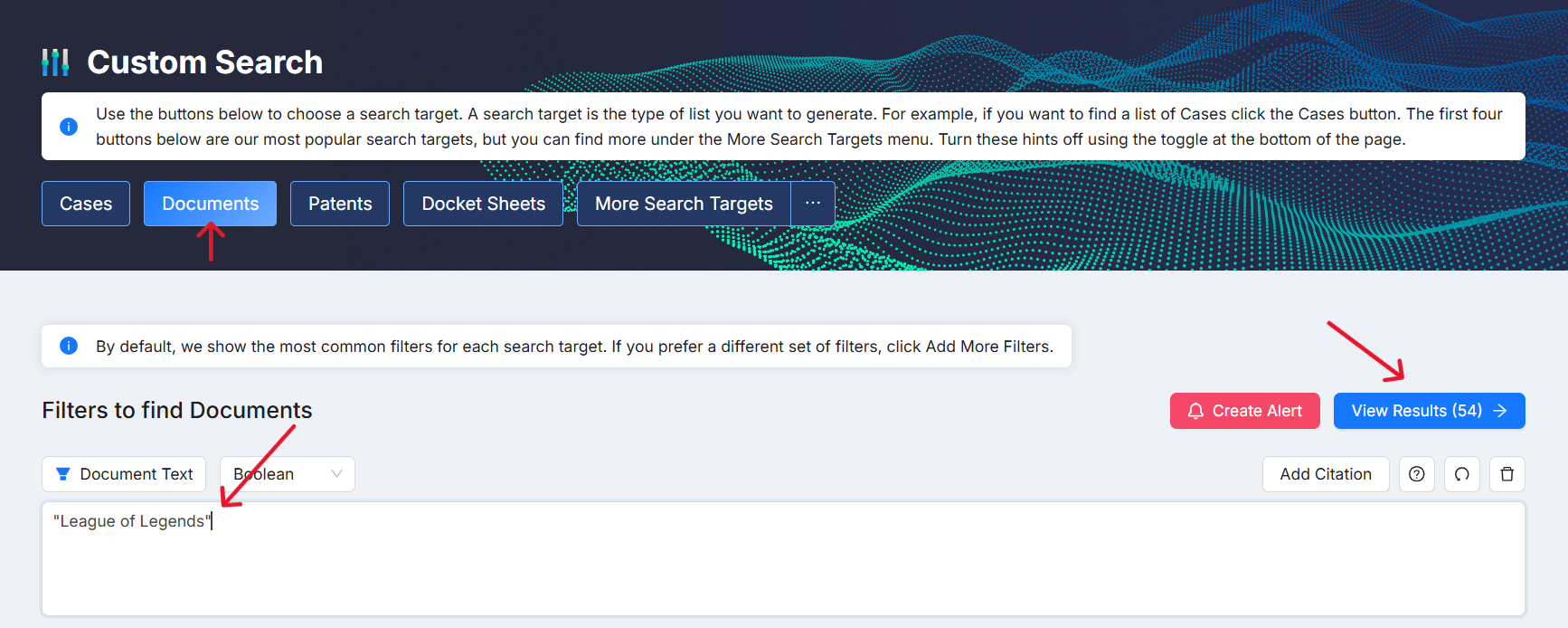
Run your first search. Start on the search page and run the search you want to use as a filter. For example, search for Documents with a Document Text filter. For this one, we’ll use “League of Legends”. Once your results load, click VIEW RESULTS. This will take you to the binder.
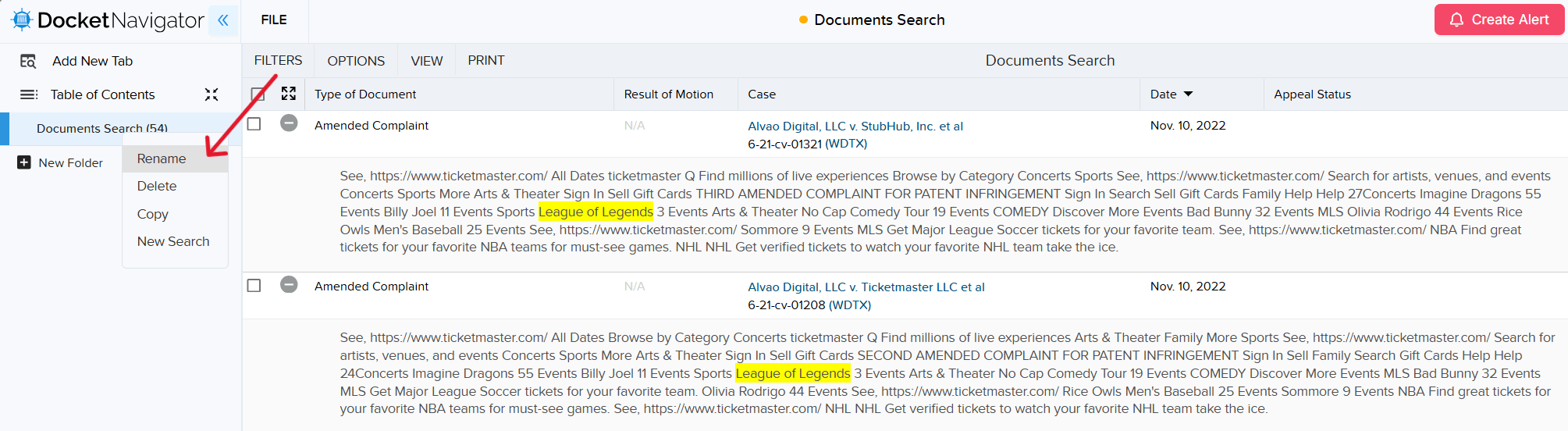
To make it a little easier to pick the right search, you can rename your tab by right-clicking the tab and selecting “Rename”. We’ll call this one “LOL Documents”.
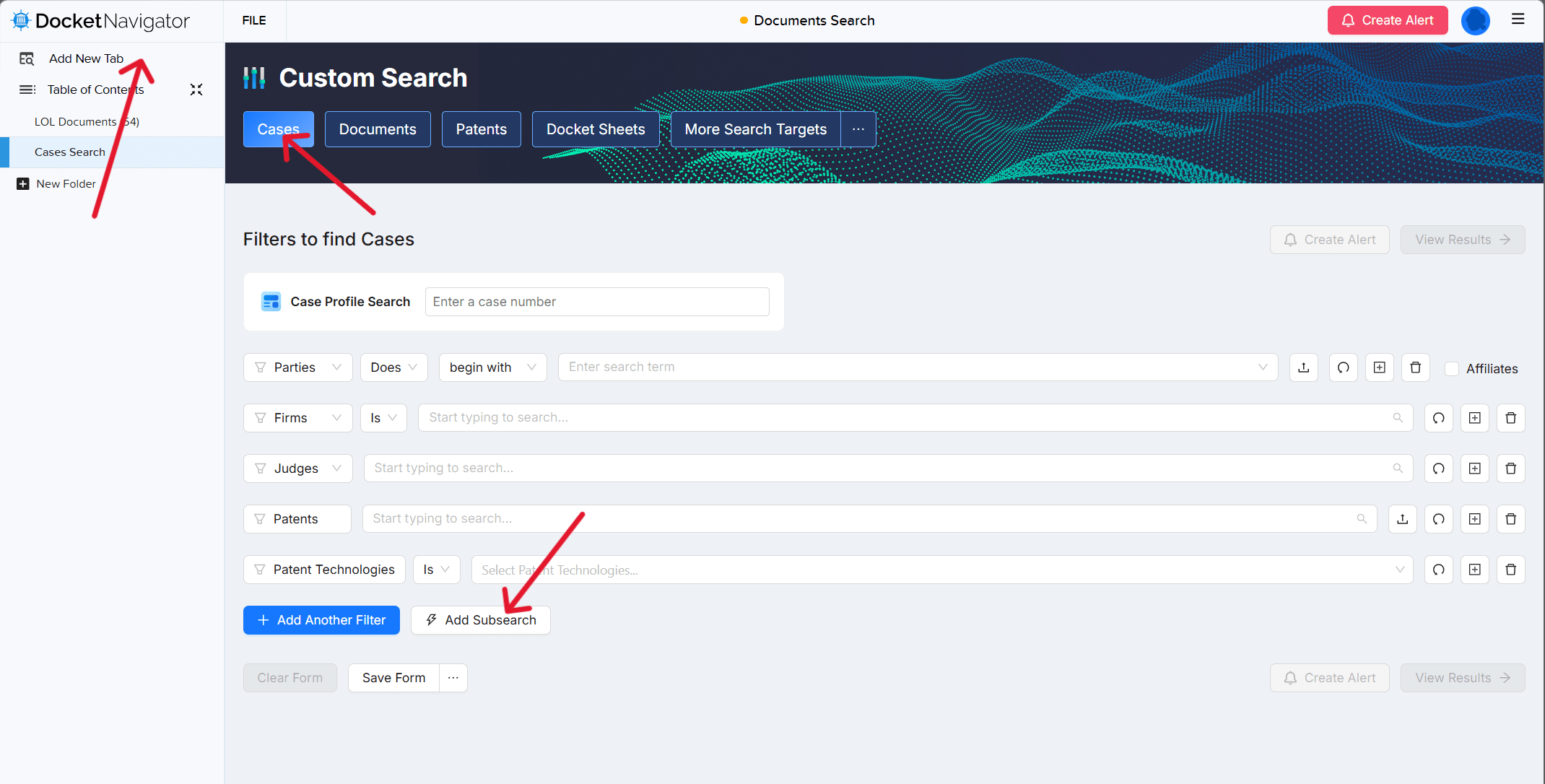
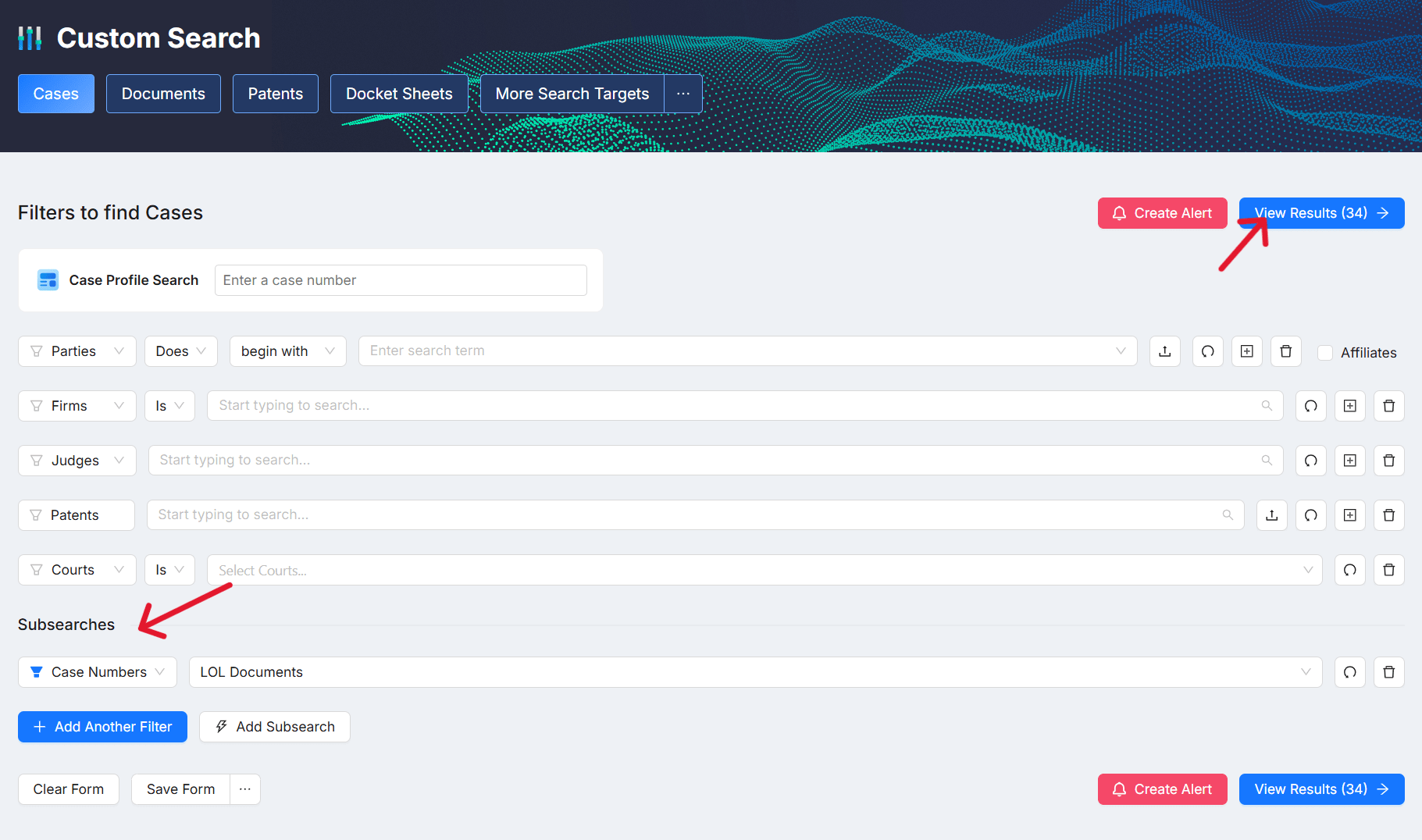
Create the search you want to filter. Click ADD NEW TAB. This will add a new search tab to your binder. This second search is the one we will filter by our previous results. In this example, we want to create a list of Cases with documents that mention “League of Legends”, so we’ll select CASES. At the bottom of the search page, select ADD SUBSEARCH.
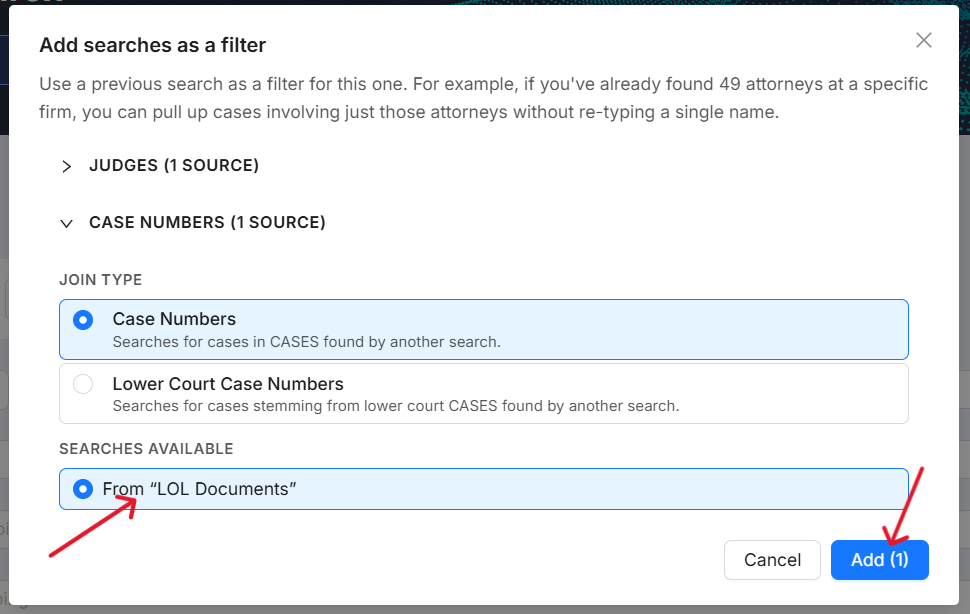
Select the filter for this search. We have two options: Judges and Cases. Since we’re after a list of cases, we’ll choose “Case Numbers” under JOIN TYPE, and select “From LOL Documents”. Click ADD.
Finally, select VIEW RESULTS. This will take you to a list of cases that have documents that mention “League of Legends”.
Last Updated: May 18, 2026
102 Views
